Your own Page. Free to start.
One Page for
everything you do.
Share your work, automatically capture leads and let your Page answer questions with AI. Every new connection has a next step.
- Free Page
- Your own Look
- Links and work
- Save contact
- NFC + QR sharing
- Lead capture

01 · Your look
Looks like you. Because it is.
Start with a ready-made Look. Choose your colors, fonts and buttons, and make the whole Page feel like your brand.
- Every Look is free
- Your photo, bio and socials
- Preview before you publish
02 · Your content
Everything worth sharing. In your order.
Put your links, portfolio, products and useful information on one Page. Move things around as your work changes.
- Links and content blocks
- Collections and portfolios
- Show what matters first
03 · Your contact
Make the next step easy to take.
Turn Page inquiries into contacts, keep track of each lead in your CRM and make the next follow-up easier.
- Lead capture
- CRM and follow-ups with One
- Contact and social links
04 · Your leads
Keep the conversation going.
Visitors can start a conversation on your Page. Pick it up in your inbox and keep the lead close at hand.
- Contact and lead forms
- An inbox for new inquiries
- Plan allowances apply
05 · Your link
One address. Everywhere you meet.
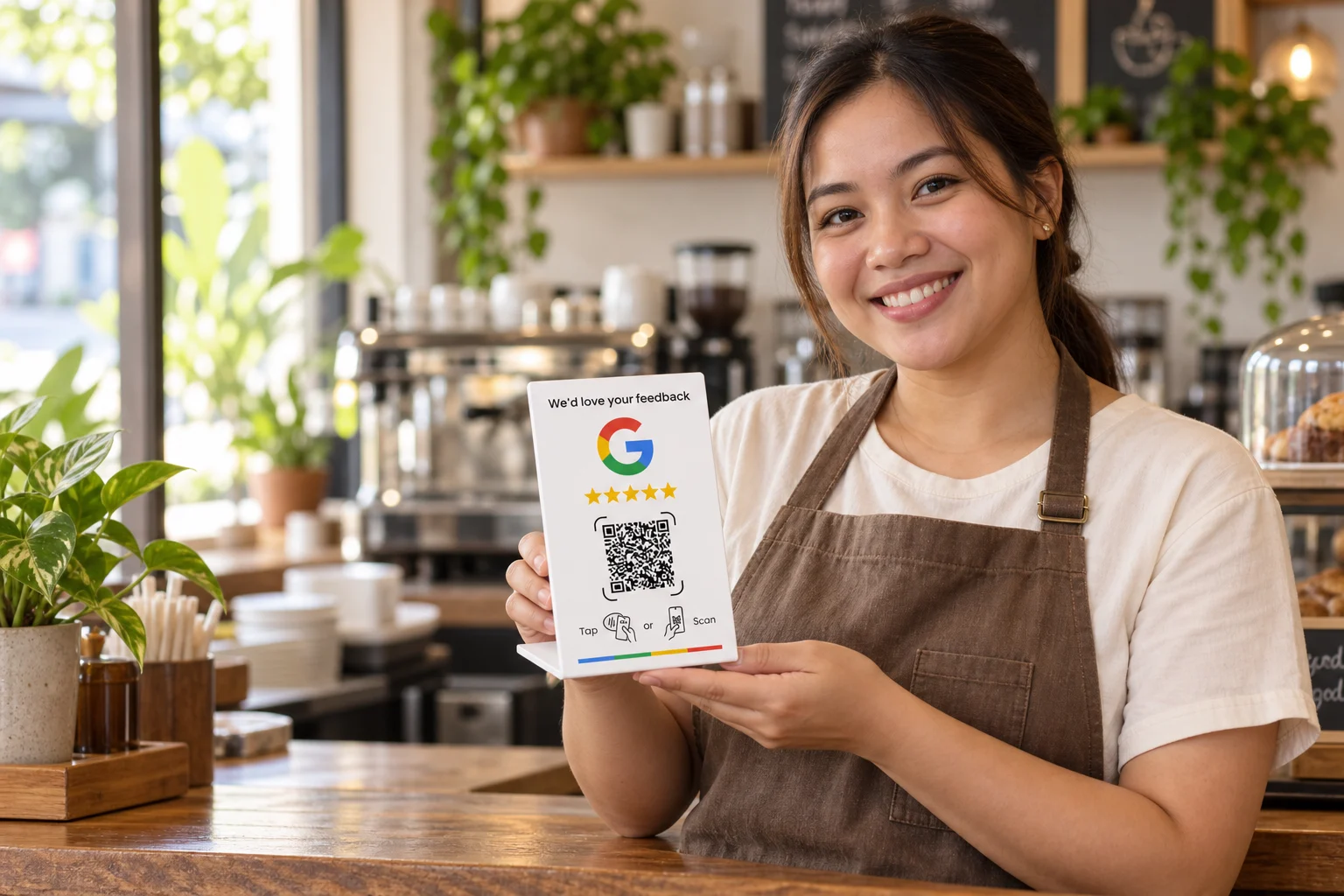
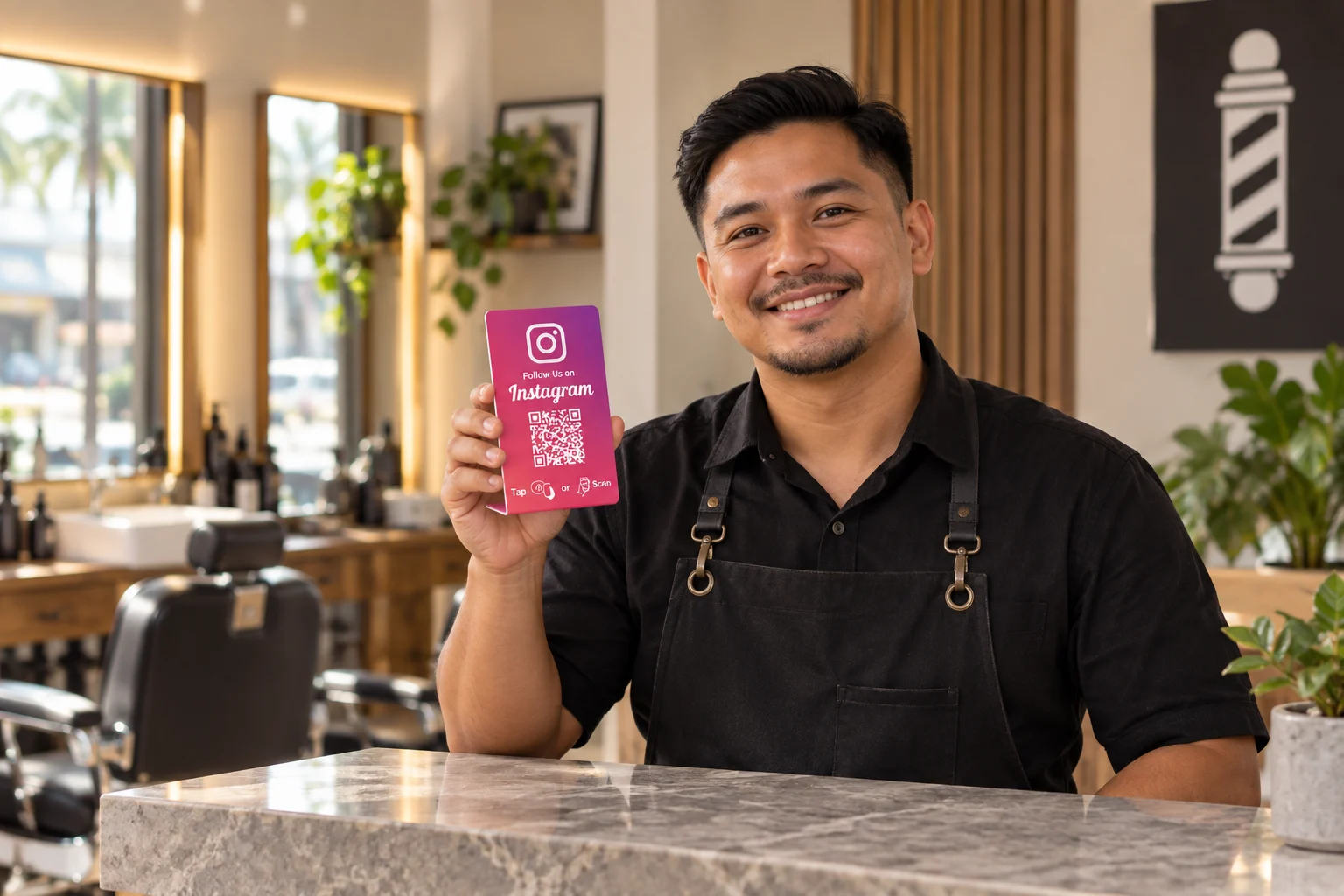
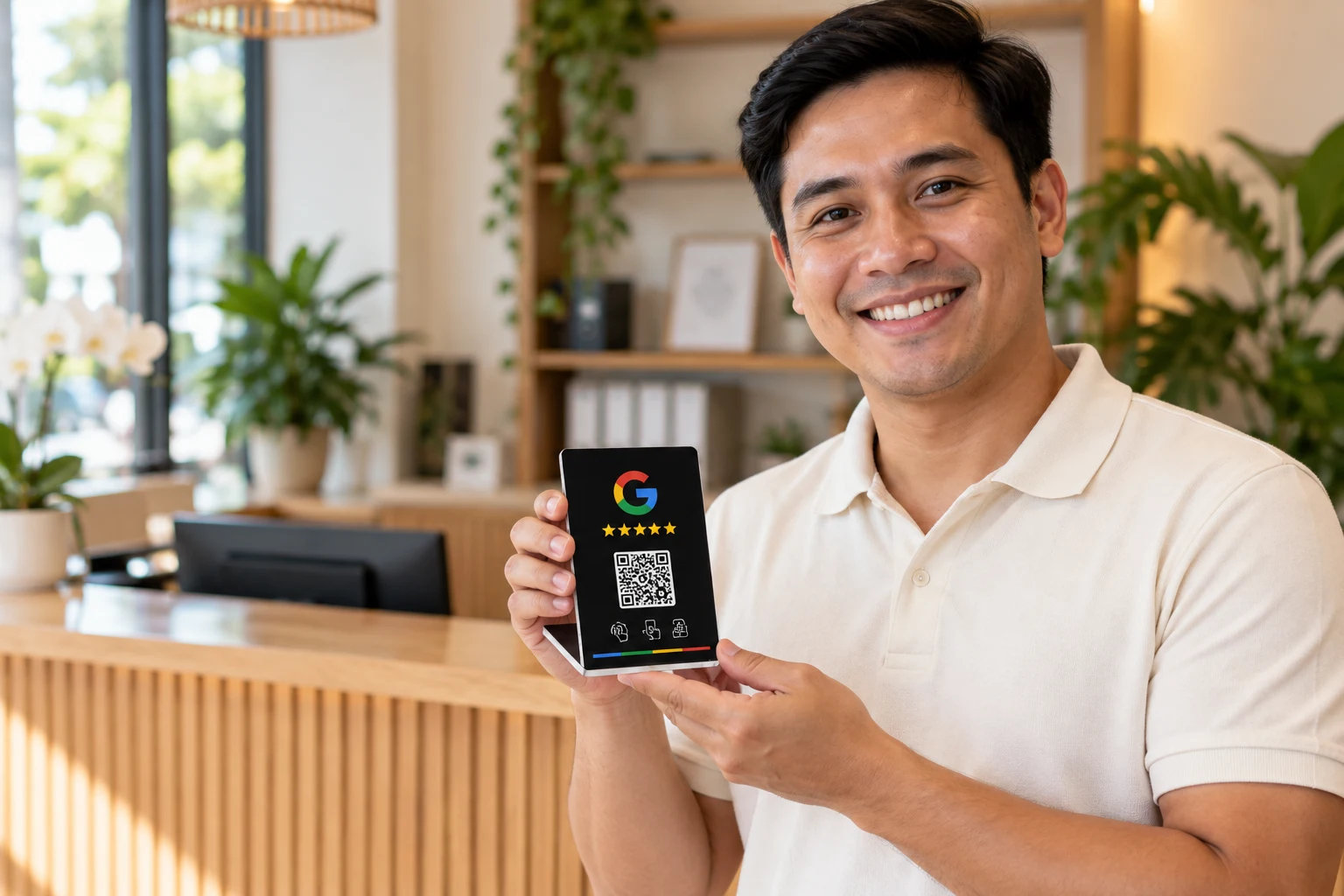
Put your Page in your bio, email signature or QR code. Add a Tappin’ Card to open the same Page in person.
- Your own Tappin’ address
- Share a link or QR
- Connect a Tappin’ Card

Choose a designAfterdark
06 · Your inbox
A question becomes a conversation.
Give visitors a place to ask about your work. Keep Page inquiries and chat together instead of losing them between apps.
- Visitor chat
- Page inquiries
- Available features follow your plan
07 · Your insights
See what people come back for.
Follow Page views, Card taps and link clicks. Use the activity to understand what people want from your Page.
- Page and link activity
- Card tap insights
- Reporting follows your plan
Tappin’ Scan
Meet someone. Save the lead.
Scan a business card, badge or Tappin’ QR, check the details and save the contact to your audience. Keep the next conversation within reach.
Explore tappin’ scanProducts & services
Show people what you offer.
Keep products, services and sample work in your library. Choose what appears on your Page and update it when your work changes.
Explore products & servicesPage orders
Give each request a place to go.
Review the orders and requests that come through your Page. Keep the customer, the details and the order status in the same workspace.
Explore page ordersEvents
Make room for your next event.
Create an event, show it on your Page and keep registrations together. Your visitors get the details they need in one place.
Explore eventsForms & surveys
Go beyond name and email.
Build forms with your own questions, then place them on your Page. Review the answers in your workspace. Available fields and allowances follow your plan.
Explore forms & surveysMedia library
Your content, ready when you are.
Keep the media you use in one library, so adding a photo or updating your Page doesn’t mean starting from scratch.
Explore media libraryReviews & questions
Let your customers have a say.
Collect testimonials and questions, review them in your inbox and choose what to showcase on your own Page.
Explore reviews & questionsVisitor chat
Stay close to the conversation.
Give people a way to start a conversation from your Page, then pick it up in your inbox. Availability follows your plan.
Explore visitor chatMeet Taps
The workspace companion that helps you take the next step.
Taps helps you check your Page and prepare your next move. Your Page’s AI can answer visitors’ questions too, helping a conversation continue when you’re away.
Everything on your Page
A Page that goes beyond a list of links.
Explore what you can do with Tappin’ Page. Choose a feature to see it in action. Available features and allowances follow your plan.
Page help with Taps
Check your Page and prepare your offers with your workspace companion. You review the next step.
Looks & customization
Start with a ready-made Look. Choose your colors, fonts and buttons, and make the whole Page feel like your brand.
Content blocks
Put your links, portfolio, products and useful information on one Page. Move things around as your work changes.
Contact actions
Turn Page inquiries into contacts, keep track of each lead in your CRM and make the next follow-up easier.
Lead capture
Visitors can start a conversation on your Page. Pick it up in your inbox and keep the lead close at hand.
Page sharing
Put your Page in your bio, email signature or QR code. Add a Tappin’ Card to open the same Page in person.
Inbox & inquiries
Give visitors a place to ask about your work. Keep Page inquiries and chat together instead of losing them between apps.
Page insights
Follow Page views, Card taps and link clicks. Use the activity to understand what people want from your Page.
Tappin’ Scan
Turn a business card or badge into a contact.
Products & services
Your offers, prices and work, ready to show on your Page.
Page orders
Keep customer requests and order details together.
Events
Event details and registrations, connected to your Page.
Forms & surveys
Ask the questions that matter to your business.
Media library
Keep your images, files and reusable content in reach.
Reviews & questions
Collect feedback and choose what appears on your Page.
Visitor chat
Keep Page conversations in your inbox.
The things people ask before they start.
Can I make a Page for free?
Yes. Start with a free personal Page, choose any of the available Looks and connect Google Calendar and take bookings and appointments for free. Paid plans add features and allowances.
Do I need a Tappin’ Card?
No. Share your Page by link or QR. A Card gives you another way to open it when you meet someone in person.
Can I change my Page later?
Yes. Edit your content and design in your workspace. Your Page keeps its address.
What if I need Pages for my employees?
Tappin’ Teams adds employee Pages, company branding and team controls. Personal plans are for one person and one Page.
Don’t take our word for it.
I used to send a different link for everything. Having my work, contact details and offers on one Page makes it much easier to share what I do.
The best part is being able to update my details without starting over with a new business card. I change my Page and keep using the same Card.
We wanted everyone’s Page to feel like the same company. Teams gives us a shared look while each person keeps their own details.
A name in my phone wasn’t enough. Keeping a note and a next step with the contact makes it easier to pick up where we left off.
When I’m not sure where to start, checking my Page with Taps gives me something clear to work on next.
It’s helpful having the Page, the people I meet and the follow-up in the same workspace. There’s less to piece together afterwards.
Your Page. Your place to start.
Share your work, automatically capture leads and let your Page answer questions with AI. Every new connection has a next step.
Create a free Page